Insert Shapes on CFDs Charts in MT5 Platform
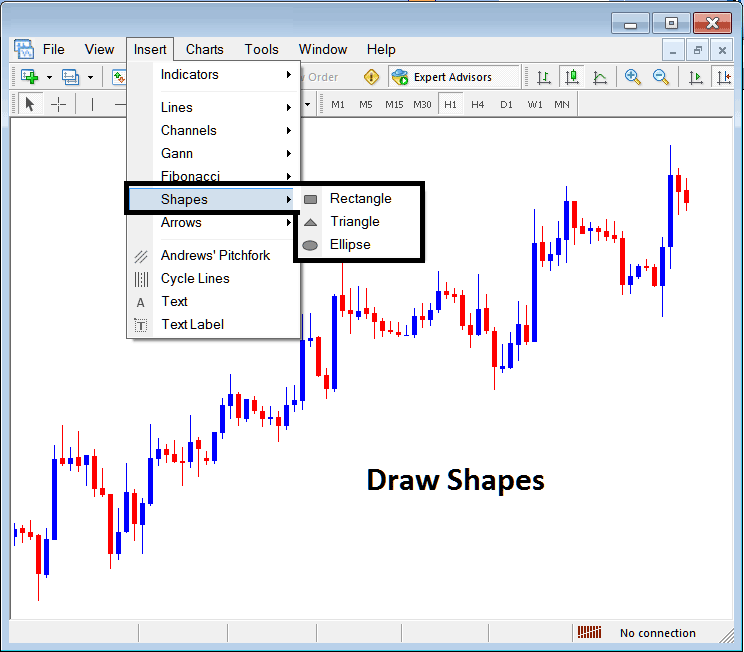
To place shapes on the MetaTrader 5 cfd platform, a trader can use the Insert Menu and use the insert shapes button that is shown below.
Insert Shapes on MT5 Platform
Options of which shapes that can be plotted on the MT5 platform are:
- Rectangle
- Triangle
- Ellipse
Draw Rectangle on CFDs Trading Chart
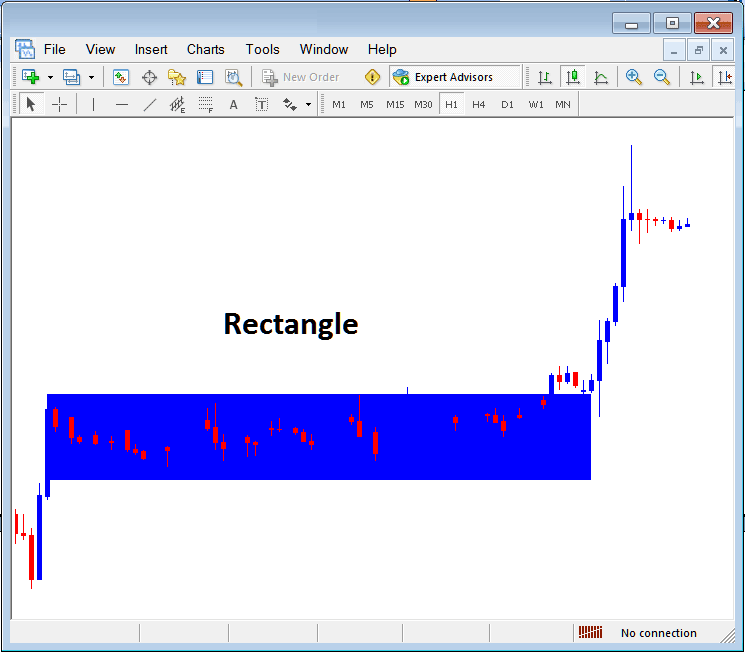
To draw a rectangle on mMT5 cfd charts, a trader will choose the rectangle button key & then select between which points on a CFD chart to draw this rectangle. To adjust a triangle that has already been drawn, a trader can also double click anywhere on this shape and then select the square MT5 buttons that appear at all the corners of this rectangle and drag them to adjust this rectangle.
Drawing Rectangle Shape on MT5 CFD Charts
The rectangle shape is used to draw a consolidation range pattern where cfds price break out to one side will mean cfds price movement will continue in that direction, as shown above, when the cfds price breaks out upward it continues to move in that direction.
Draw Triangle
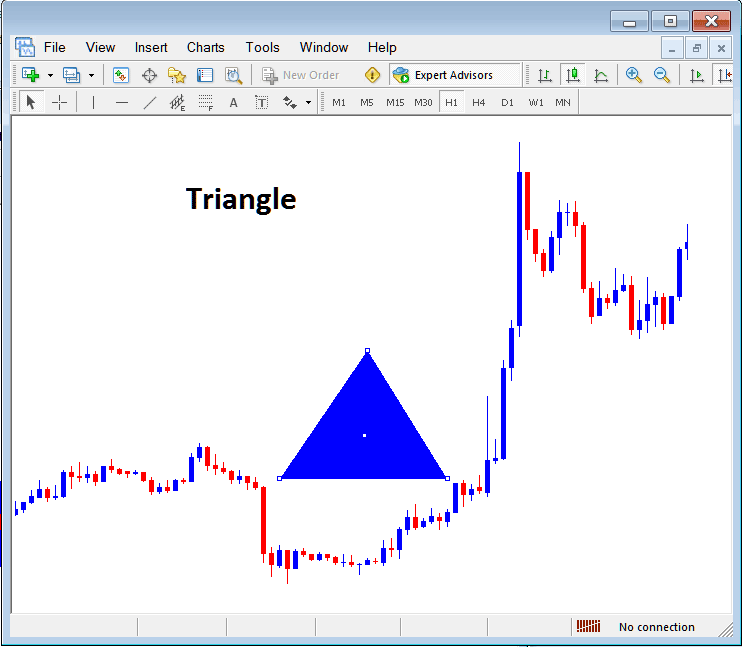
To draw a triangle, a trader can select the triangle button and then on the MetaTrader 5 cfds chart, select 3 points, point 1, 2 and 3 after which the triangle is drawn within these three selected chart points. To adjust the triangle, just double click this triangle, then select the square MT5 buttons appearing on the edges as shown below and adjust the triangle points.
Drawing Triangle on CFDs Charts in MT5 Platform
Draw Ellipse
To draw the ellipse shape, follow the guide lines below:
- Select the Ellipse button as shown above
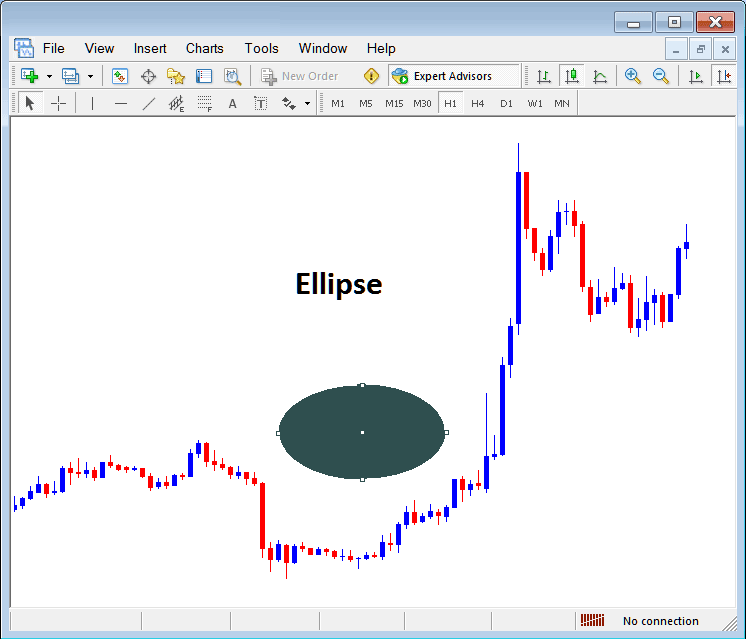
- On the chart select point 1 & drag the mouse to point 2, (the ellipse will appear as a line)
- Doubleclick the ellipse using the small squares at the middle, click, hold & drag this square and the ellipse will be adjusted as displayed below.
Drawing Ellipse Shape on MT5 CFDs Charts in MetaTrader 5 Platform