Print Setup and Printing Chart from MT4 Indices Software
As a trader you might want to print a chart maybe to interpret it later, or simply as a means of keeping a trading record or a trading journal of your trades.
The MetaTrader 4 platform offers a way to print trade charts. Find these print buttons in the File drop-down menu on MT4, as shown below.
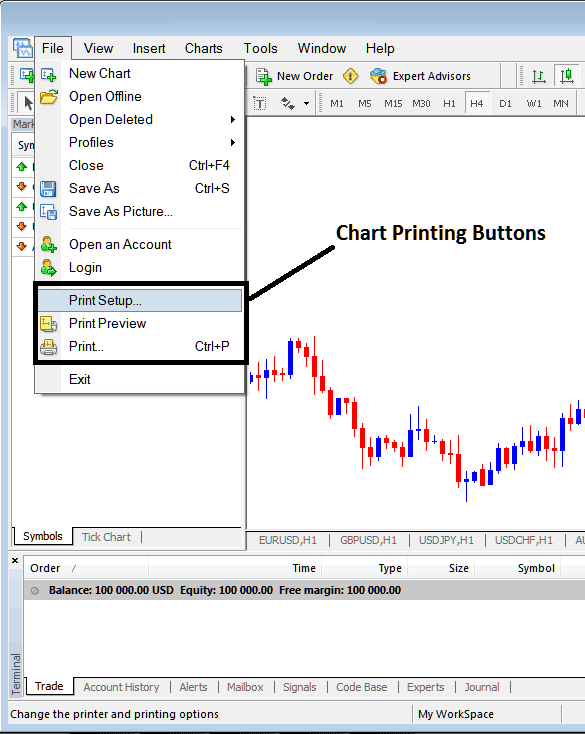
To preview the print document, you can utilize the 'Print Preview' button key. To print a chart, simply click the "Print" button or use the keyboard shortcut, CTRL+P, to print the chart directly from the MetaTrader 4 platform.
Print Preview of how the printed trade chart will look after it is printed.
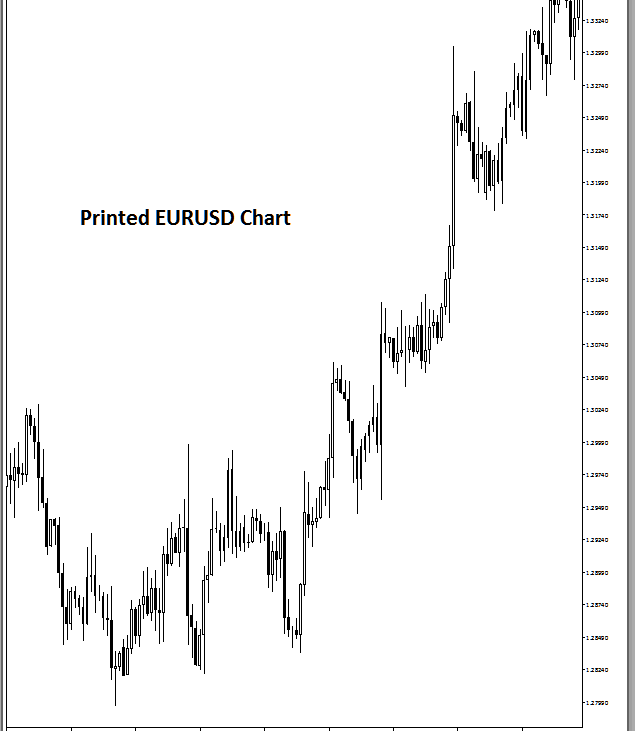
How to print MetaTrader 4 charts, for the purpose of keeping a trade journal and using the printed chart to analyze the trading market later.
Get More Topics & Tutorials:
- Window Menu for Index Charts
- Where to Find S&P ASX 200 in MT4 Software
- XM Index Broker Review
- DAX 30 Signals Trade Strategies
- How to Analyze DeMark Projected Range Index Indicator
