Gold Trading Modify a Stop Loss XAUUSD Order on MetaTrader 4
How Do I Modify a Stop Loss XAUUSD Order on MetaTrader 4?
First select the open trade you want to modify the Stop Loss Gold Order for.
Once you choose open trade - select modify order button and the following gold trade order pop-up window will appear and as a trader you will then use this trade order pop-up window to modify the Stop Loss Gold Order Level for your new xauusd trade.
This popup includes the settings for setting Stop Loss Gold Order Level - type in your new SL stop loss level and Click 'Modify' button to modify the Stop Loss Gold Order to your open xauusd trade.
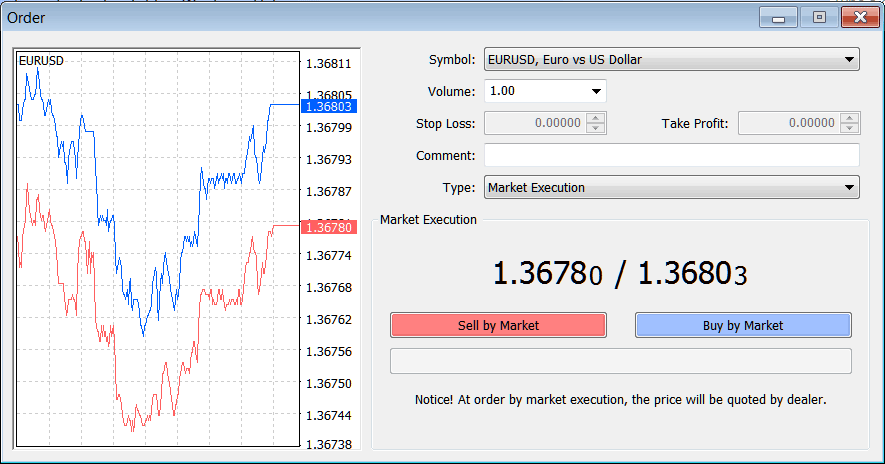
Gold Trading Modify a Stop Loss XAUUSD Order on MT4
Modify a Stop Loss XAUUSD Order in MT4