How Do I Add a Stop Loss Gold Order in MT4 Software?
How Do I Add a Stop Loss XAUUSD Order on MT4?
First choose the open trade you want to add a Stop Loss Gold Order to.
Once you choose open trade - select modify order button and the following gold trade order pop-up window will appear and as a trader you will then use this trade order pop-up window to add the Stop Loss Gold Order Level for your new xauusd trade.
This popup includes the settings for setting Stop Loss Gold Order Level - type in your SL stop loss level & Click the 'Modify' button to add the Stop Loss Gold Order to your open xauusd trade.
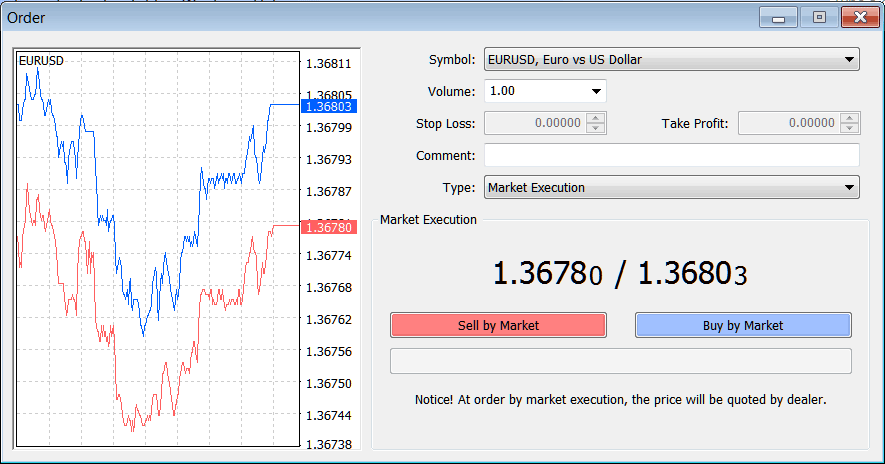
How to Add a Stop Loss XAUUSD Order on MT4 - How to Add a Stop Loss XAUUSD Order on MT4?
How to Add a Stop Loss XAUUSD Order on MT4




