Changing Language of MT4 Stock Trading Platform
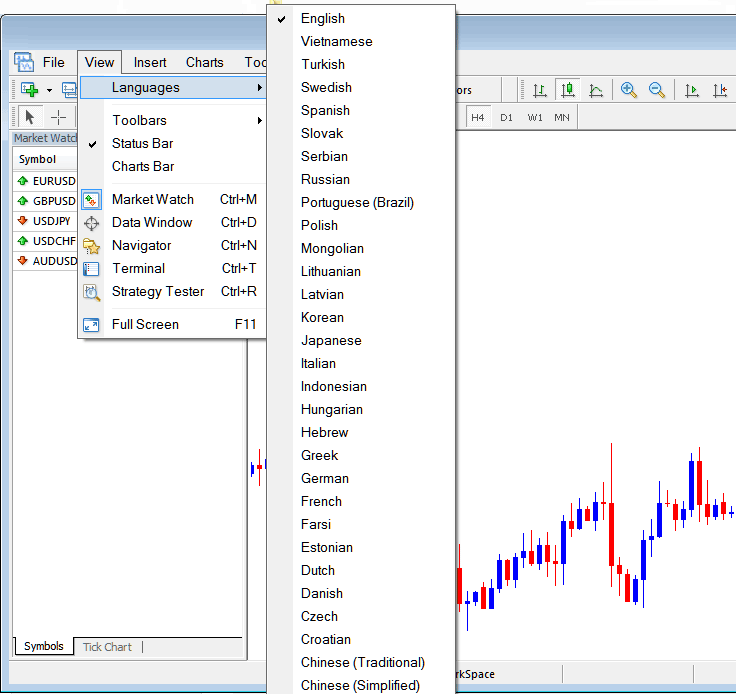
On MT4 'View' menu, the first option in this drop down list is the Languages Button which can be used to change the language of the MT4 Platform.
The example illustrated and explained below shows the Language Button, on the View Menu and the list of languages that the MT4 stocks trading platform supports. A trader can choose any of the languages below.
To download a MT4 software pre-installed with your native language you can visit any of a brokers' website and select the option of a language that is translated into your native language and download the MT4 from any of these sites.
From above Languages option a trader can translate the MetaTrader 4 stocks platform interface into the following languages:
Turkish, Swedish, Vietnamese, Serbian, Russian, Portuguese, Polish, Mongolian, Latvian, Italian, Japanese, Korean, Greek, Hungarian, Chinese, German, French, Czech, Farsi and the other languages which are included within this list.